Terraform Modules For Beginners
A simple example of how to make a resource into a re-useable module
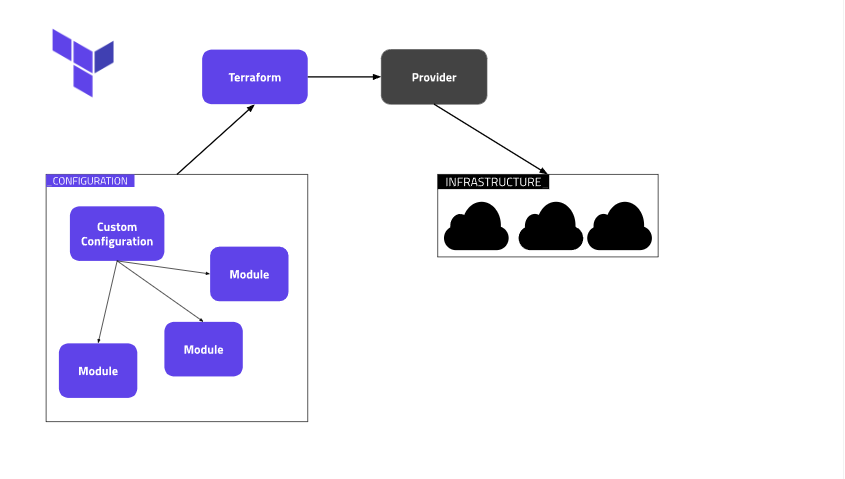
Must-Haves:
- AWS account with the proper permissions configured
For this project, I'll be using Cloud9.
Step 1: Fork and clone (Git)
First, we'll fork this repo into our GitHub https://github.com/LevelUpInTech/terraformec2
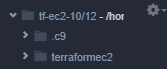
Now clone it into your environment. You should see your repos' folder in your environment now. Make sure you create a new branch to work in.
Step 2: Module folder and file
Within the "terraformec2" folder, right-click and create a new folder for your module. Mine is called "ec2mod". Then we'll create a main.tf file within our new folder.< /p>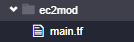
Once we have this we can cut and paste the resource block from the original configuration to our modules' main.tf.
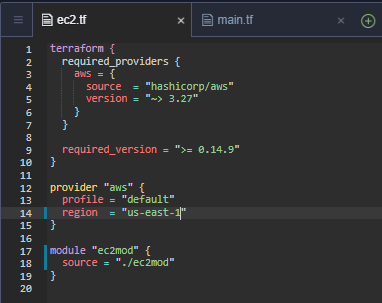
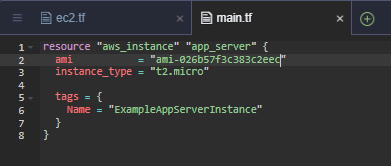
In your parent module, reference your newly created module. I also had to change the region of my AWS provider. If you change your region, make sure you go to the EC2 dashboard in AWS and check the instance AMI for your region. Save the changes to your files.
Step 3: Test your work
First, we'll run a "terraform init" to download our plugins and initialize the environment.
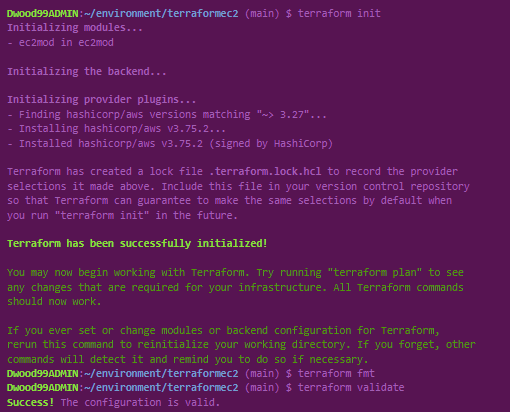
I'm also running "terraform fmt" a nd "terraform validate" to ensure my configuration is valid and syntactically correct. Then feel free to run a "terraform plan" to check out what you'll be provisioning. Once you're ready, run a "terraform apply" to launch your infrastructure! When it's finished, you should see your newly created ec2.

Step 4: Push your changes back to GitHub
If you're using cloud9, go to your source control tab on the left-hand side and click the plus sign at the top next to "Changes". This will stage all of your changes.
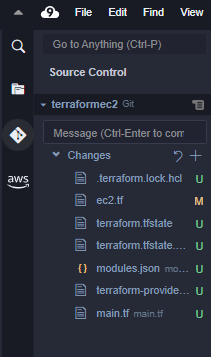
Now let's add a message for a description and hit CTL+Enter to commit your changes. If you have yet to configure your git username and email you'll need to do so.


Now once you hit CTL+Enter your changes will be commited. On the left -hand side of cloud9 at the bottom you'll see two small arrows.

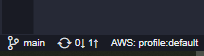
Click the small arrow with the 1 next to it to push your changes.
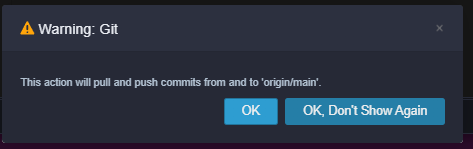
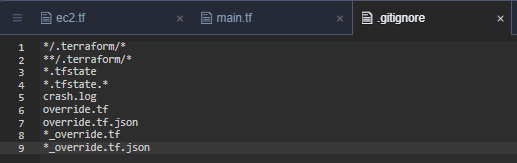
I had to make a ".gitignore" file so my push didn't exceed the memory limit.
I also had to make a new GitHub access token to be able to actually finish pushing these changes and I ran the command:

and everything was good to go! Now you should see your changes in your GitHub!
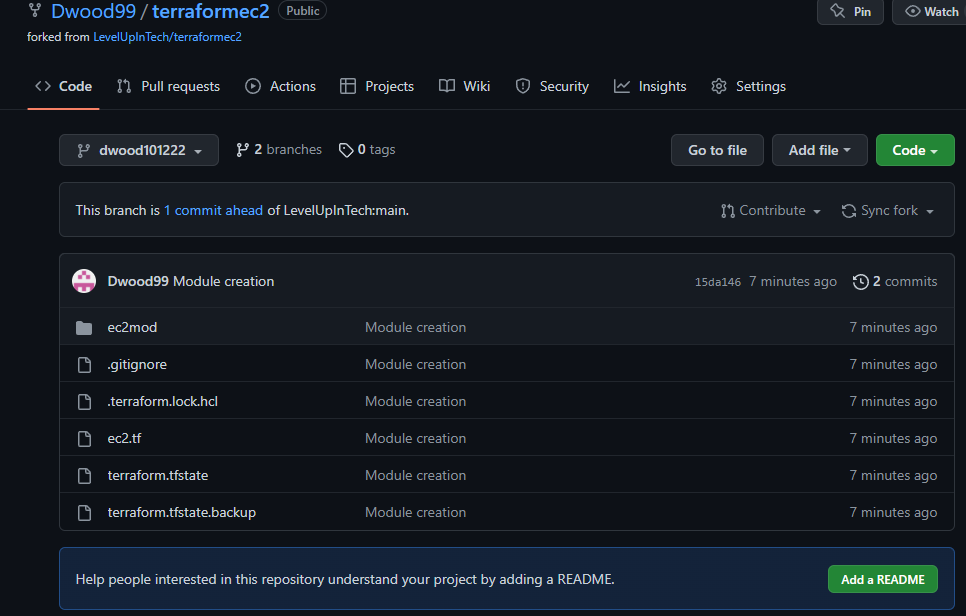
That wraps up this short article on module creation, I hope this helps you along your Terraform journey!
Thanks for reading along, best wishes.
Terraform Modules For Beginners was originally published in Towards AWS on Medium, where people are continuing the conversation by highlighting and responding to this story.
Comments
Post a Comment