GCP Cloud Composer — Save Development Time
GCP Cloud Composer — Save Development Time
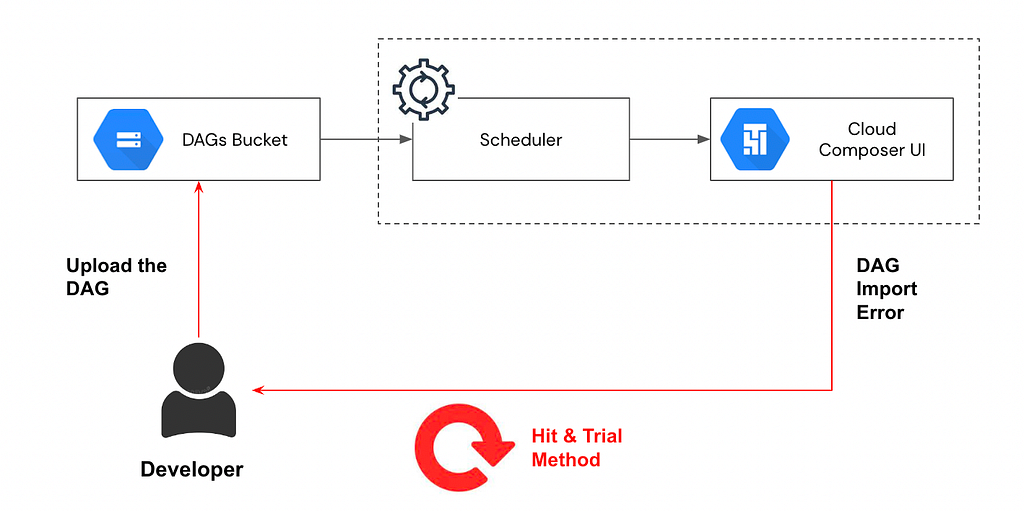
Generally a common approach that is followed by the new developers working on Google cloud composer (Managed Airflow) is to do iterative hit and try method for development till the DAG import errors go away.
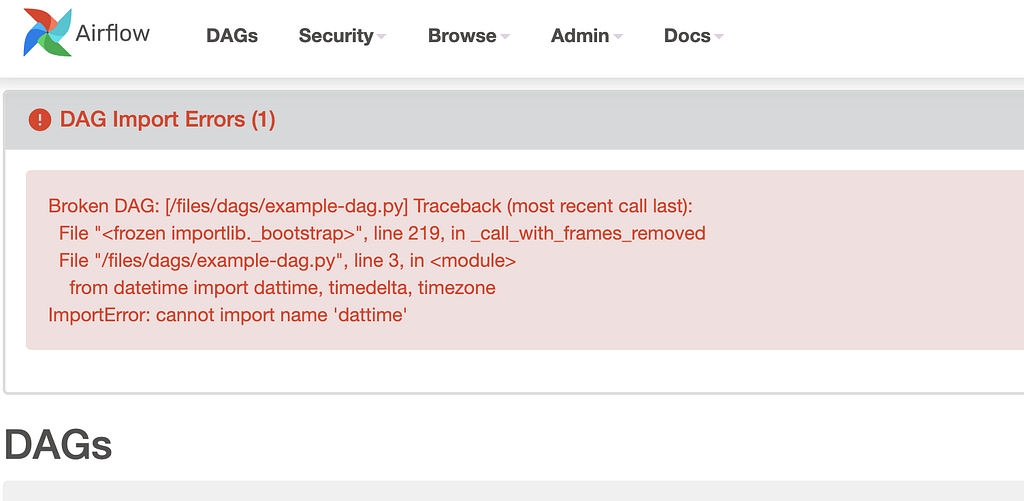
Below is sample of the DAG import error caused due to incorrect library imports
Why is this not a good approach ?
1. It can easily create an endless cycle of hit and trial till the DAG starts working
2. The amount of the development time increases to great extent
3. The process is counter-productive
Usually in composer environment wit h lower specifications and many development users, the scheduler takes longer time to parse the DAG which again adds to turn around
Leveraging Standalone Airflow
When you install airflow from pip distribution as example it setups a local airflow directory and light weight server for usage

The airflow cfg file has the configuration properties for the airflow. Below is the local unix path configuration of the dags_folder

To start the standalone server, simply run below command which starts up local airflow server running on port 8080.
airflow standalone
The default user will be admin and the password will be present in the standalone_admin_password.txt as above screenshot
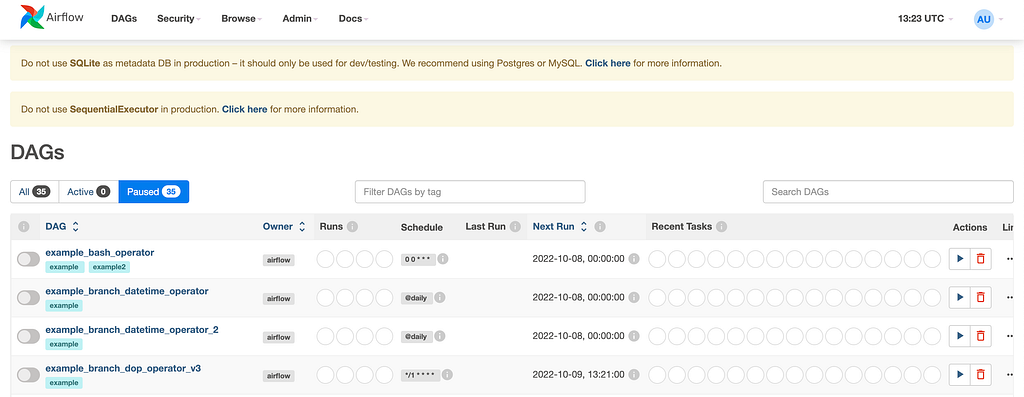
Simply create the required DAGs and place it in the dags_folder as configured above
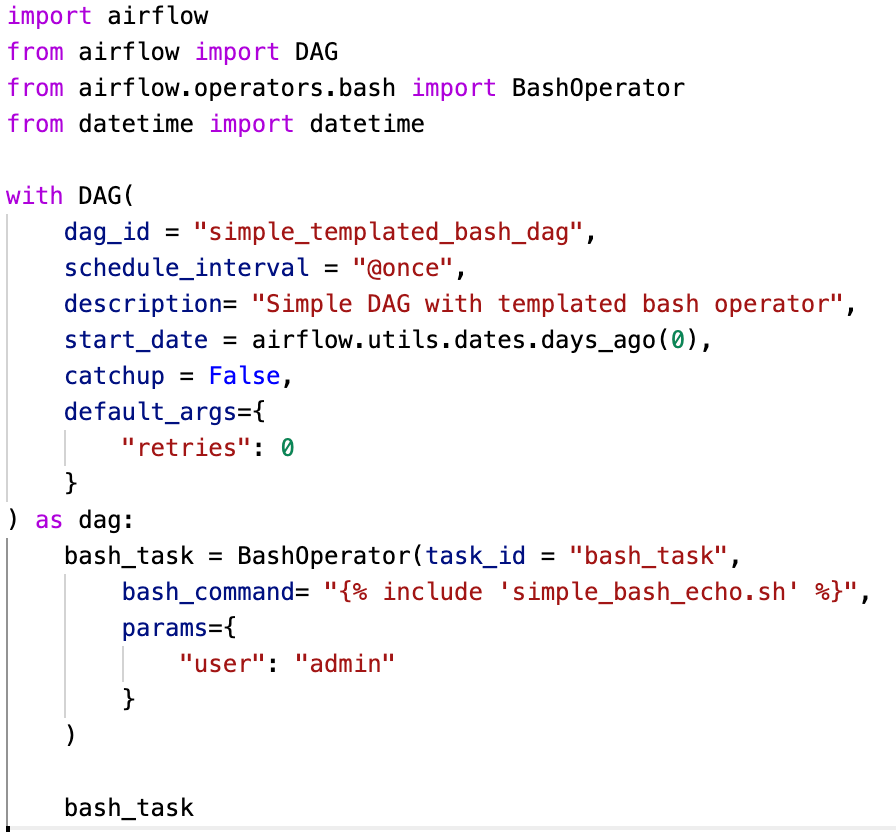

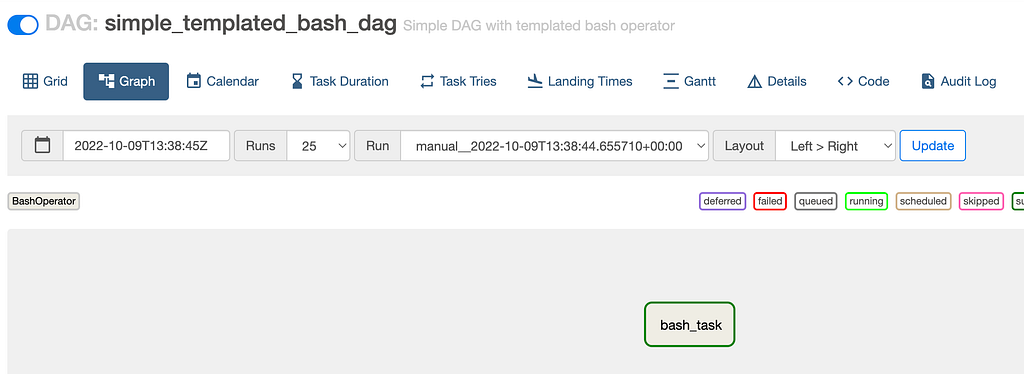
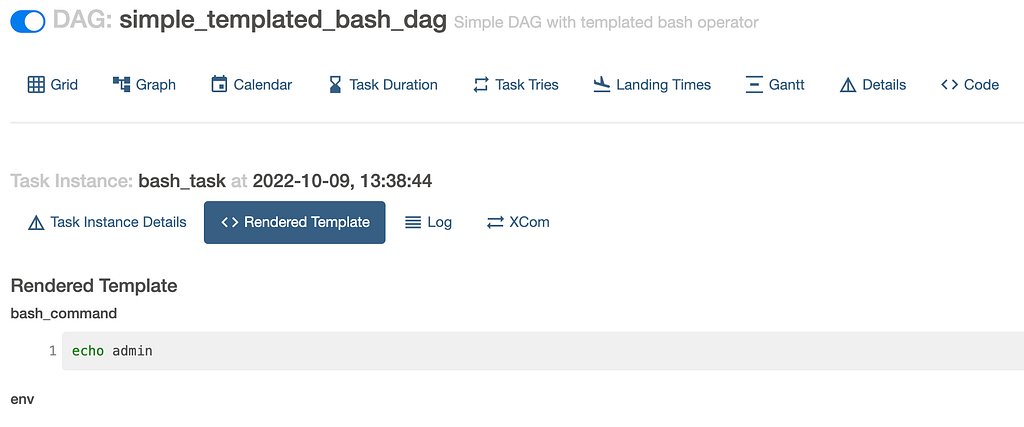
This can be one faster way to get the things moving and speeding up the hit-trial method.
Since the airflow standalone version is light weight and used by 1 user, the DAG parsing time is relatively faster.
Is there more that can be done similar to compiling a java code and getting compile time errors which can be fixed before the DAG gets uploaded to composer bucket ?
Run DAG as Python file
Run the DAG file as the python executable
python simple_dag.py

Any error in syntax or declaration would be caught instantly.
For Composer environments, the DAG file can be added to different folder apart from /dags/ like /data/ and below command can be run to catch syntax errors
gcloud composer enviro nments run <environment> dags list — -subdir <home/airflow/gcs/data/>
Listing Import Errors for DAGs
For quick test on DAGs without uploading the DAGs to DAGs Folder, below command can be run to catch any syntactical issues
airflow dags list-import-errors — subdir <folder other than DAGs folder>

Above command can also be executed in the composer environment with similar syntax
Reference — https://cloud.google.com/sdk/gcloud/reference/composer/environments/run
Test a DAG Run
Running the below command helps to validate the dags in the provided folder and execute the mentioned DAG.
airflow dags test simple_templated_bash_d ag_1 2022–10–09 — subdir /home/murlik/gcp-code-repo/composer

Test specific task instance
Running airflow task test command can also provide a quick way to test the task instance execution without triggering in composer environment
airflow tasks test simple_templated_bash_dag bash_task 2022–10–09
The above command can also have — subdir parameter passed

This command can also be executed in composer as below
gcloud composer environments run <environment name> tasks test — <parameters>
Using the above tech niques, valuable time can be saved and development process can be sped up.
Please note there are some differences in commands between Airflow 1 and 2, do check the documentation for version related commands syntax (link in references below)
Do try it out
References : https://cloud.google.com/sdk/gcloud/reference/composer/environments/run
https://airflow.apache.org/docs/apache-airflow/stable/cli-and-env-variables-ref.html
https://airflow.apache.org/docs/apache-airflow/stable/start.html
Linked-in Handle — https://www.linkedin.com/in/murli-krishnan-a1319842/
GCP Cloud Composer — Save Development Time was originally published in Google Cloud - Community on Medium, where people are continuing the conversation by highlighting and responding to this story.
Comments
Post a Comment